
Your photos.
Real scrapbook pages.
No software to install.
The only scrapbooking app built for Mac, Windows and Chromebook. Drop in your photos, pull in papers and elements from kits by real scrapbook artists, and finish a page you'll actually want to print — in minutes.
Open the editor, add photos, lay out a page. Sign up only when you want to save — we'll keep your draft. No card, no download needed.
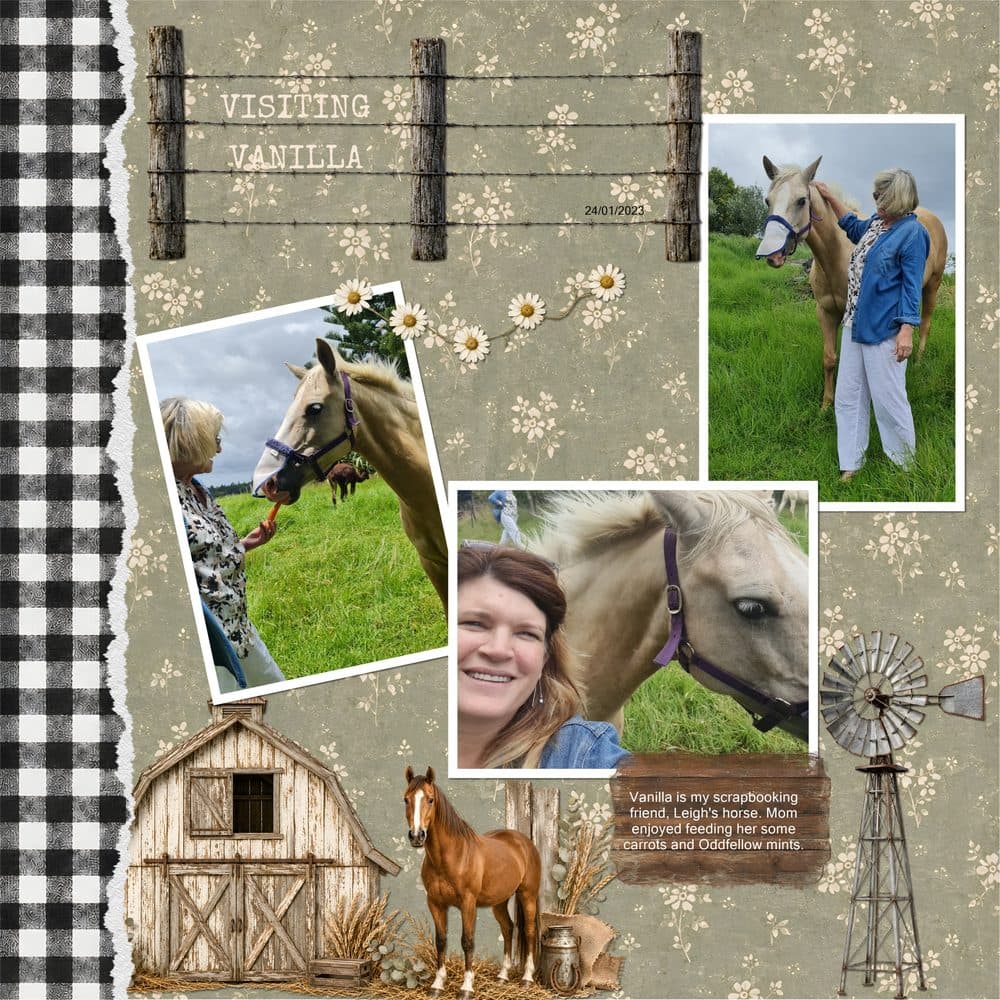
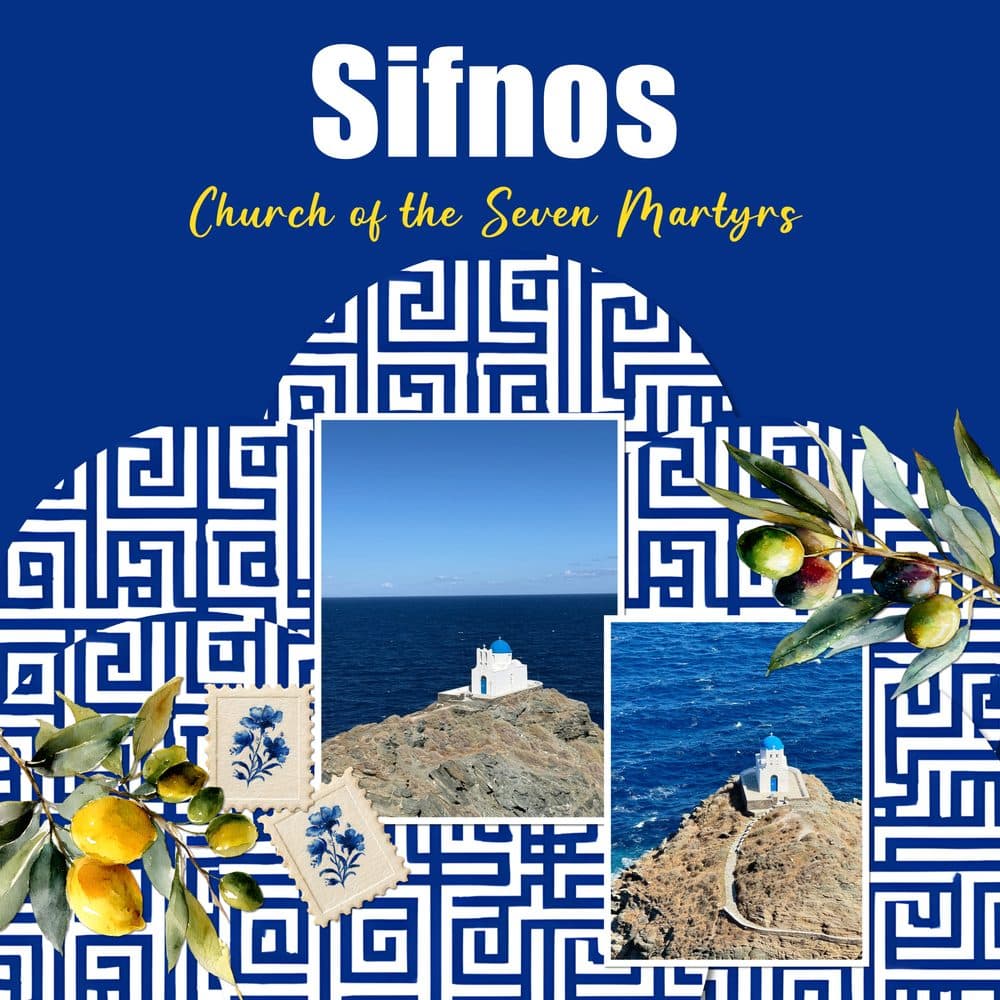

Every one of these was made in MyScrapBook Studio.
No Photoshop. No years of practice. Real pages from real scrapbookers — laid out with drag-and-drop, dressed up with kits, and exported ready to print.

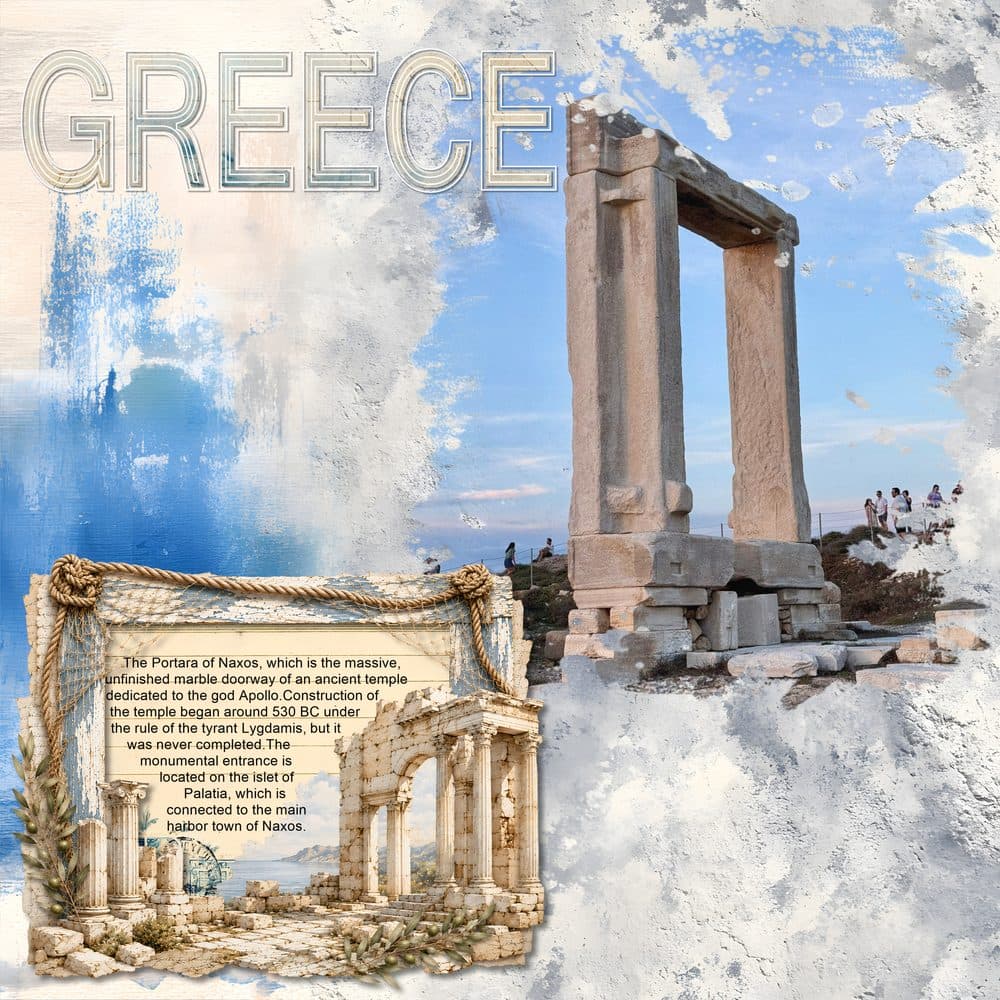
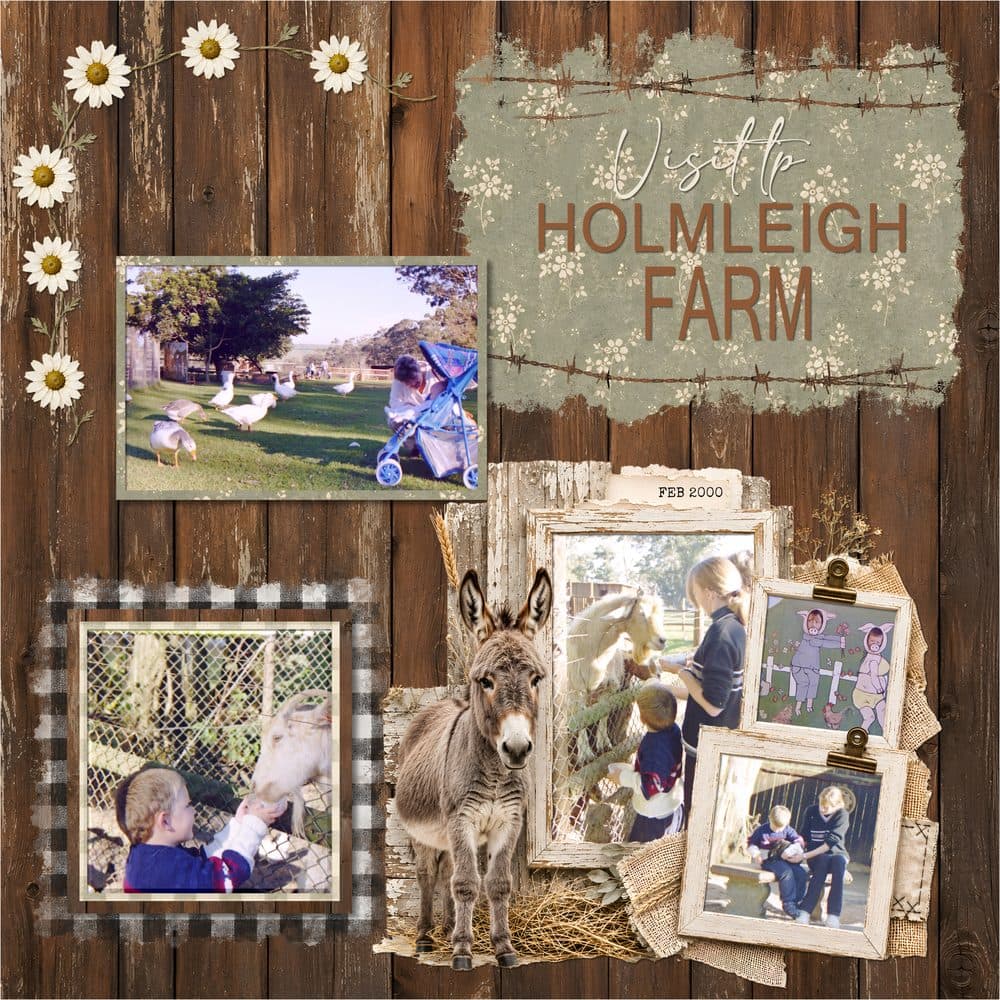
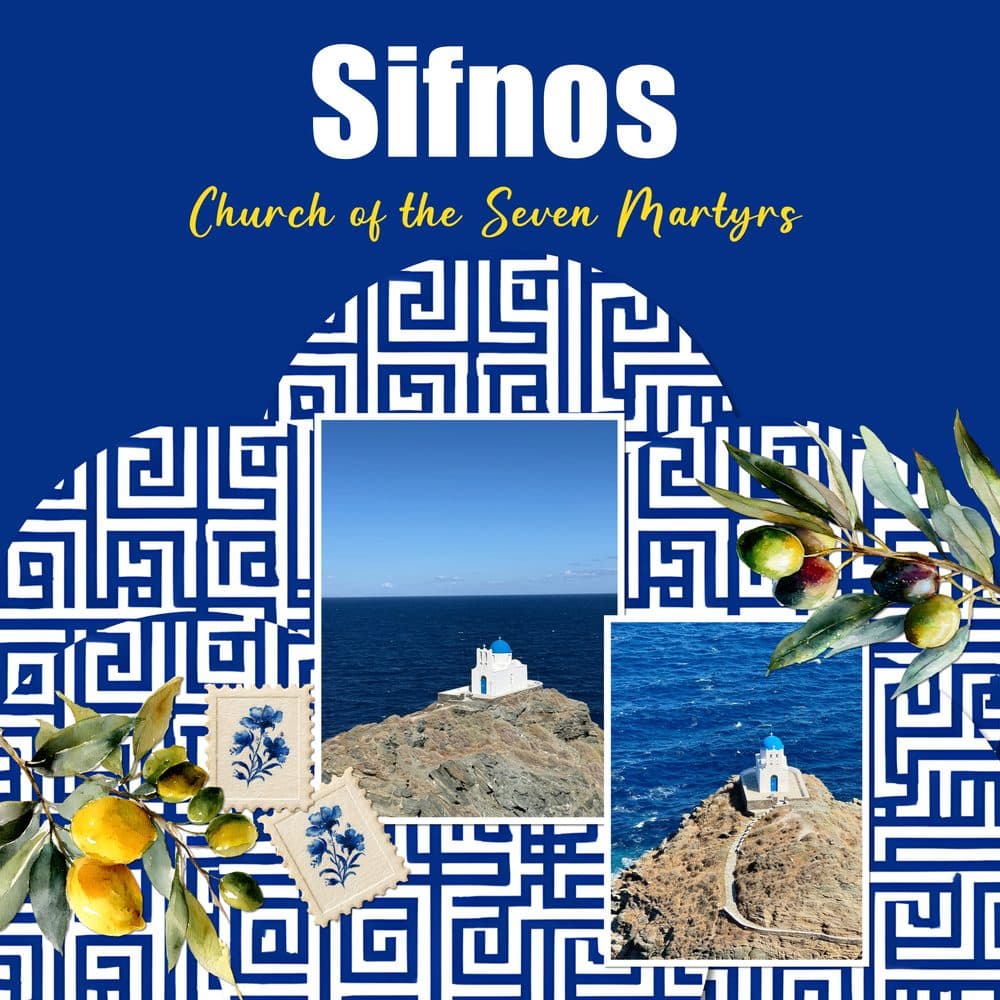
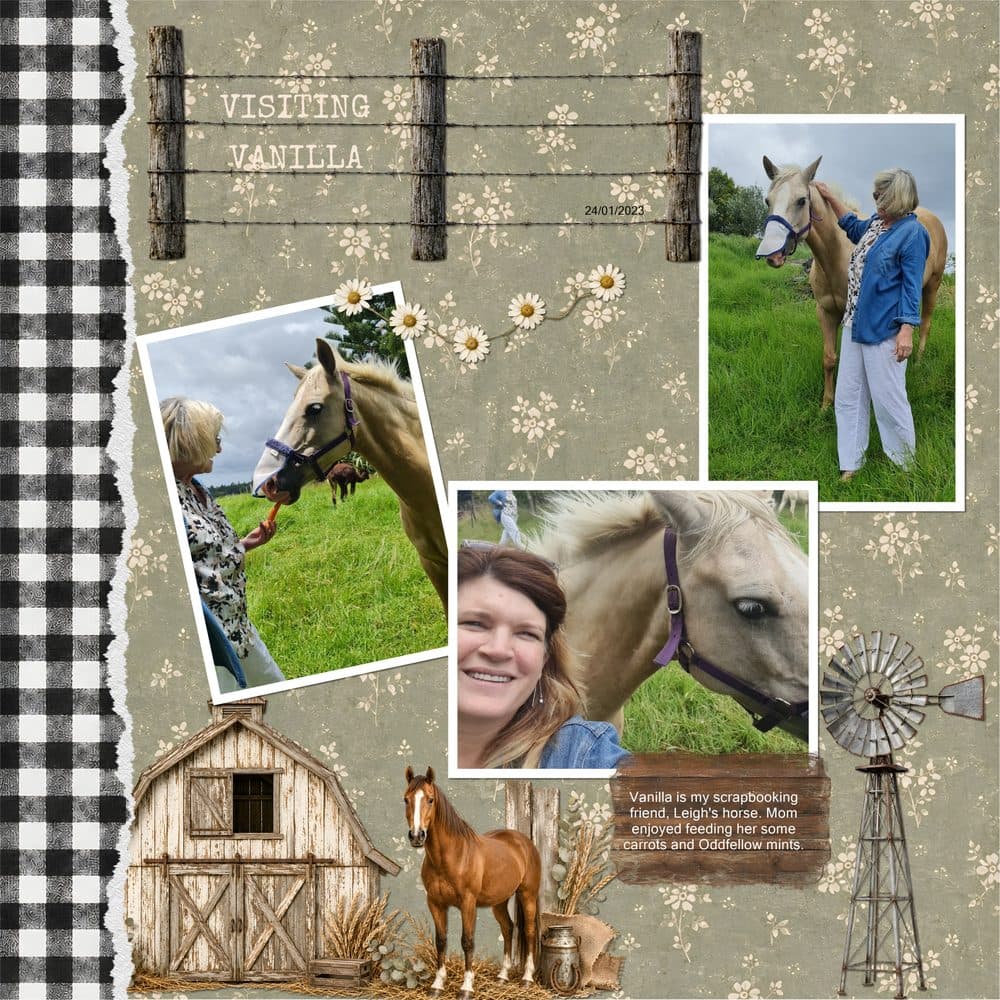
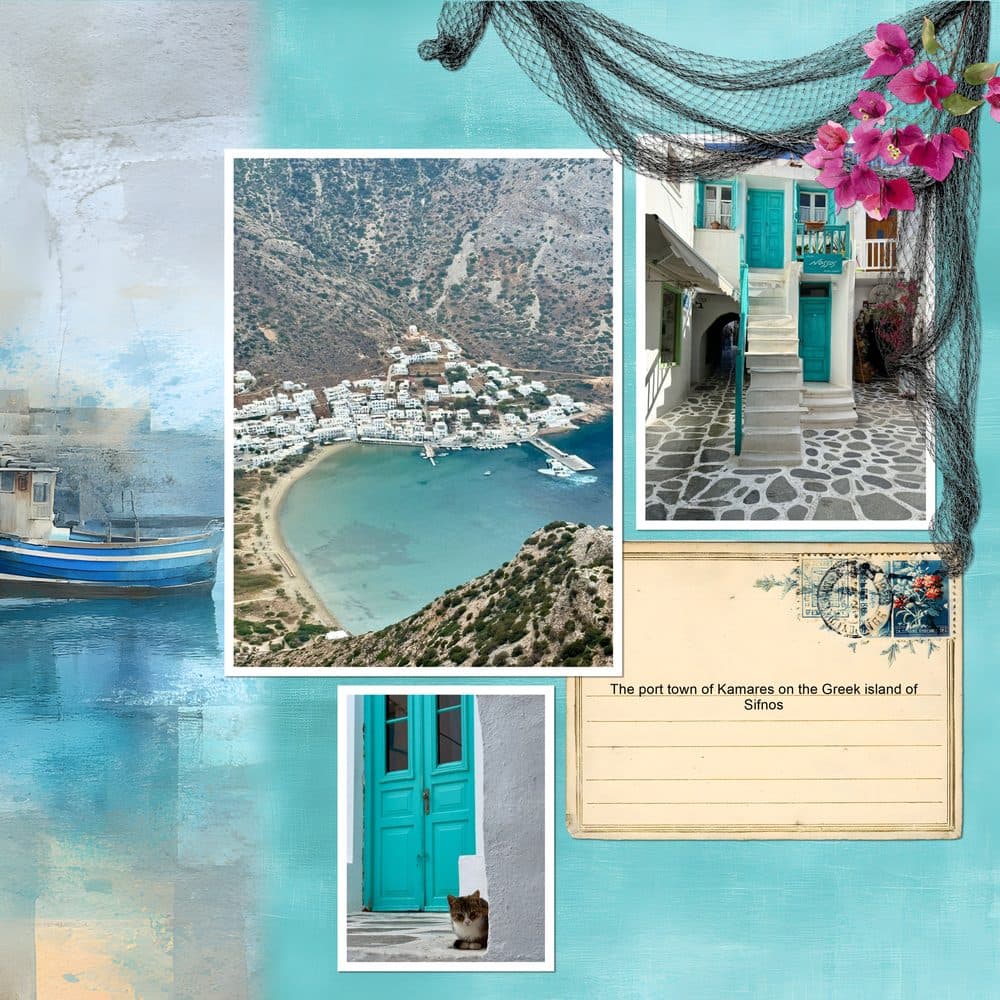
Pages by Helene, made with kits from the MyScrapBook Studio marketplace. Yours could be next.
From a folder of photos to a finished page.
No layers to wrangle, no manual to read. Three steps, and you're printing.
Drop in your photos
Open a page and drag photos straight from your computer. Drop zones catch them and masks shape them — no fiddly cropping.
Add a kit
Pull in papers, frames and elements from kits by real scrapbook artists. Everything already looks designed — you just arrange it.
Print it, share it, keep it
Export a crisp 300 DPI page ready for Shutterfly, Costco or your local print shop. Or save it and start the next one.
Built for one thing — and brilliant at it.
Your photos snap into place
Drop zones catch each photo and masks shape it automatically — circles, hearts, torn-paper edges, whatever the kit calls for. If you can attach a photo to a text message, you can make a page.
- ✓ Smart drop zones and auto-matting
- ✓ Real 12×12 spreads, the way scrapbookers think
- ✓ Undo anything — nothing’s ever ruined
A marketplace of beautiful, ready-made kits
Papers, frames, elements and full themed kits — made by working scrapbook designers, not stock libraries. Buy one element or a whole kit, and it drops straight into your page.
- ✓ Themed kits for travel, family, holidays and more
- ✓ New kits added all the time
- ✓ Designers earn on every sale
Export pages worth putting on the wall
Finish a page and export a sharp, full-resolution image at 300 DPI — ready for any print service or photo book. What you see is exactly what you get on paper.
- ✓ 300 DPI, true print quality
- ✓ Works with Shutterfly, Costco, local shops
- ✓ Your photos stay on your device, not our servers
You've tried the others. This one's for you.
Close, but never quite right
- ○ Windows-only software, or a clunky download
- ○ General design tools that don't think in pages
- ○ Stock clip-art, not real scrapbook kits
- ○ A learning curve before you make anything
Made for scrapbooking, runs anywhere
- ● Mac, Windows or Chromebook — just open a browser
- ● Real 12×12 spreads, matting and masks built in
- ● A marketplace of kits from real artists
- ● A finished page in minutes — free to start
Discover Beautiful Kits
Handcrafted scrapbook kits by talented designers. Drop them straight into your spreads.
Have a redeem code from a creator or a sale? Visit /redeem/your-code and the kit drops straight into your library — no payment required.
Sell Your Designs
Are you a digital scrapbook designer? Reach thousands of scrapbookers and earn from every sale.
Upload Your Kits
List backgrounds, elements, masks, and full kits. Set your own prices.
Reach Scrapbookers
Your kits appear in search, featured collections, and integrated directly into the editor.
Earn on Every Sale
Competitive revenue share. Get paid monthly. Track sales in your creator dashboard.
Free to join. Start selling in minutes.
Help us build it, and the app is yours free — forever
MyScrapbook Studio is still in beta. We're looking for a handful of scrapbookers to use it for real and tell us what works and what doesn't. Join now and every feature in the app is free. When we start charging, you won't — your account stays free for good. That's our thank-you for helping us get it right.
- Full access to the app, free
- Free for good once we launch paid plans
- A direct line to shape what we build next
Kits in the marketplace are the one thing sold separately: they're made by independent scrapbook artists, and buying one pays the artist.
Questions? We've got answers
How is this different from Canva?+
How much does it cost?+
Do I need design skills?+
Does it work on Mac?+
What happens to my photos?+
Do I need to download anything?+
What's the marketplace?+
Can I sell my own designs?+
Your photos deserve more than a folder.
Open the editor and make your first page right now — free, in your browser, no signup. Founding members keep it free for good.
Free beta · no card · works on Mac, Windows & Chromebook